

Sale!
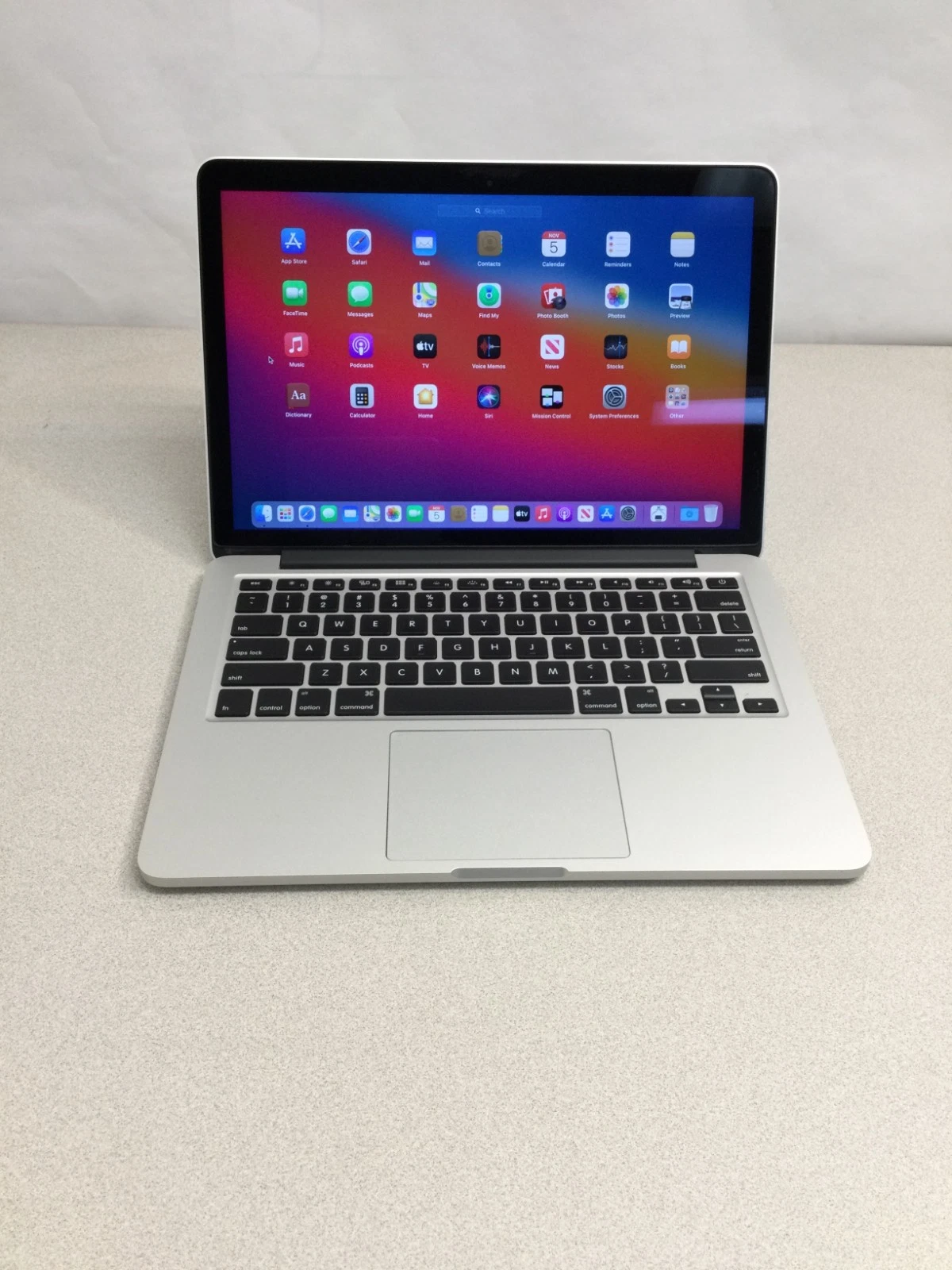
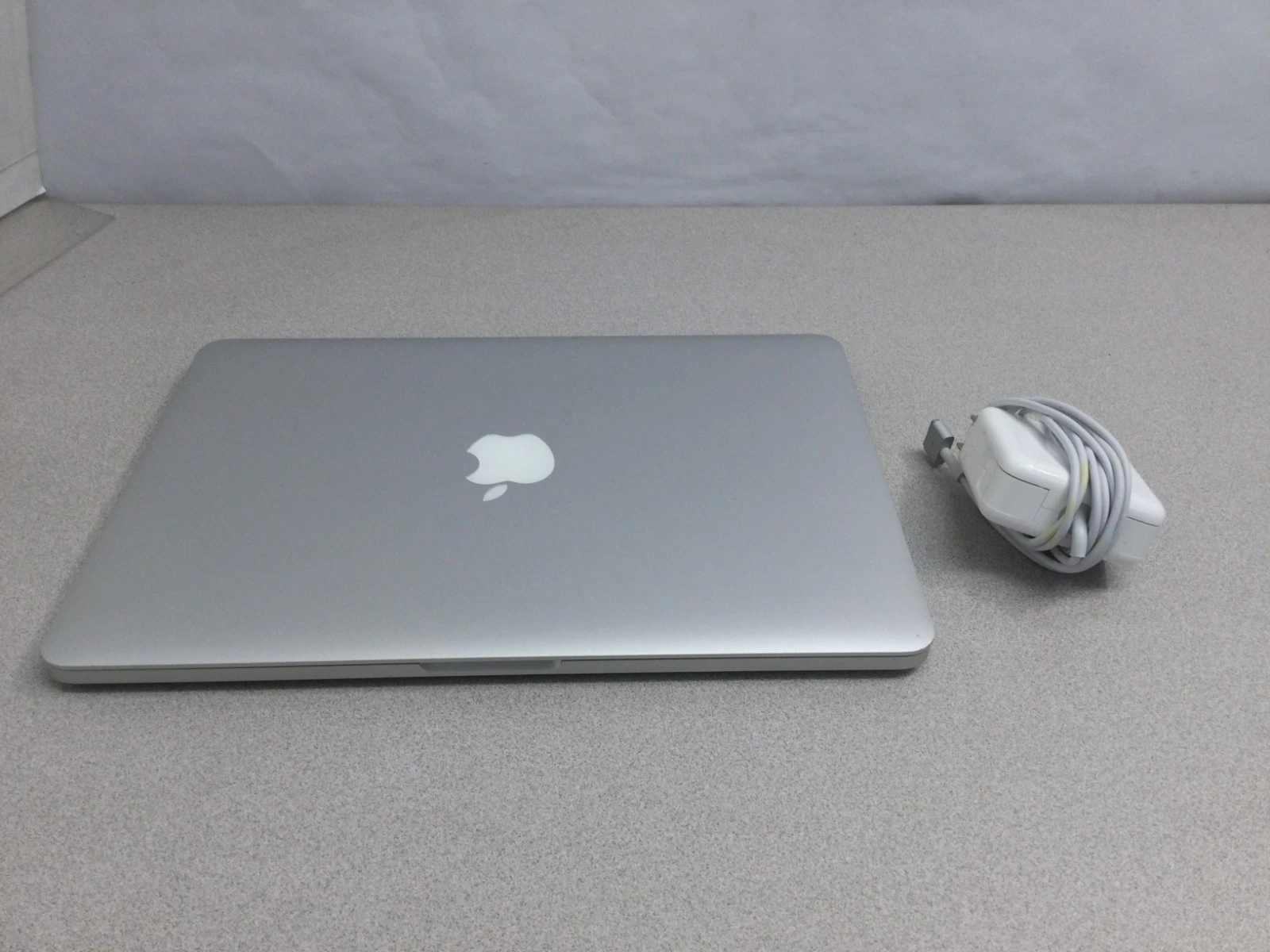
MacBook Pro Retina 13″ 2013
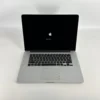
Original price was: 40.000 .د.ب.35.000 .د.بCurrent price is: 35.000 .د.ب.
If your MacBook Pro A1502 is experiencing startup issues, slow performance, or battery problems, professional service may help extend the life of your device.
BrillMindz IT Solutions & Sales WLL provides:
✔ MacBook logic board repair
✔ SSD upgrades
✔ Battery replacement
✔ macOS installation and troubleshooting
📱 WhatsApp Support: 36076207
Visit our service center in Manama or contact BrillMindz IT Solutions & Sales by WhatsApp
To Discuss SSD upgrade or Battery Replacement visit BrillMindz ,This is a upgrade service not for Sale

Description
The MacBook Pro (Retina, 13-inch, Late 2013), model A1502, is one of the most reliable laptops released by Apple. Even years after its release,
many professionals still use it for office work, development, and everyday computing due to its solid build quality and Retina display.
Common Issues in MacBook Pro A1502
After many years of usage, some hardware problems may appear.
1. Battery Wear
Battery health reduces over time, leading to:
-
Sudden shutdown
-
Short battery life
-
Service battery warning
2. SSD Failure
The PCIe SSD can sometimes fail or become slow due to heavy usage.
3. Flexgate Display Issue
Display cable wear may cause:
-
Screen flickering
-
Backlight failure
-
Black display when opening the lid
4. Overheating
Dust buildup and dried thermal paste can cause:
-
Loud fan noise
-
Slow performance
-
Thermal throttling
5. Keyboard and Trackpad Problems
After long use:
-
Keys may stop working
-
Trackpad may become unresponsive.
Upgrade Options
Even though RAM cannot be upgraded, several improvements are still possible.
✔ SSD Upgrade – Install a faster NVMe SSD with adapter
✔ Battery Replacement – Restore full battery life
✔ Thermal Service – Replace thermal paste and clean fans
✔ macOS Upgrade – Install macOS Big Sur latest supported macOSThese upgrades can significantly improve the performance of the device.
Reviews (3)
Be the first to review “MacBook Pro Retina 13″ 2013”
Related products
Sale!
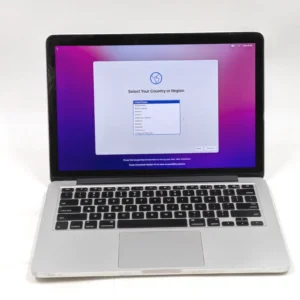
MacBook Retina 2015 13-inch
Original price was: 40.000 .د.ب.35.000 .د.بCurrent price is: 35.000 .د.ب.
Sale!
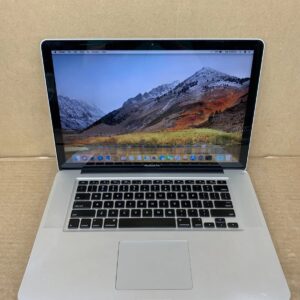
MacBook 2012
Original price was: 40.000 .د.ب.35.000 .د.بCurrent price is: 35.000 .د.ب.
Sale!
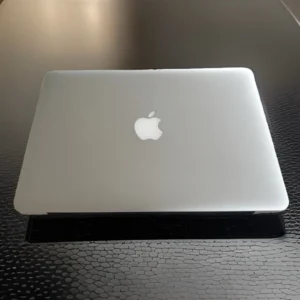
MacBook Retina 2014 13
Original price was: 40.000 .د.ب.35.000 .د.بCurrent price is: 35.000 .د.ب.
Sale!
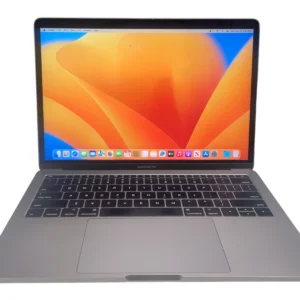
MacBook Retina 2016 13-inch
Original price was: 40.000 .د.ب.35.000 .د.بCurrent price is: 35.000 .د.ب.
Sale!
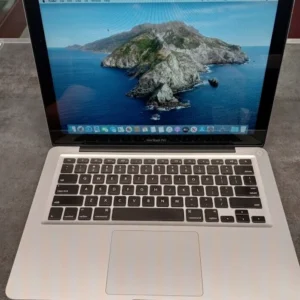
MacBook 2012
Original price was: 45.000 .د.ب.40.000 .د.بCurrent price is: 40.000 .د.ب.
Sale!
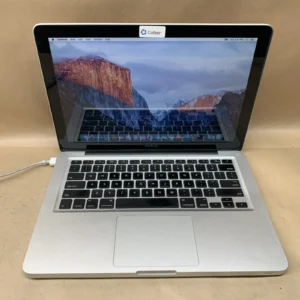
Original price was: 25.000 .د.ب.20.000 .د.بCurrent price is: 20.000 .د.ب.
Sale!
MacBook Retina 2014 15-inch
Original price was: 40.000 .د.ب.35.000 .د.بCurrent price is: 35.000 .د.ب.

MacBook 2009
35.000 .د.ب
3 reviews for MacBook Pro Retina 13″ 2013
There are no reviews yet.