

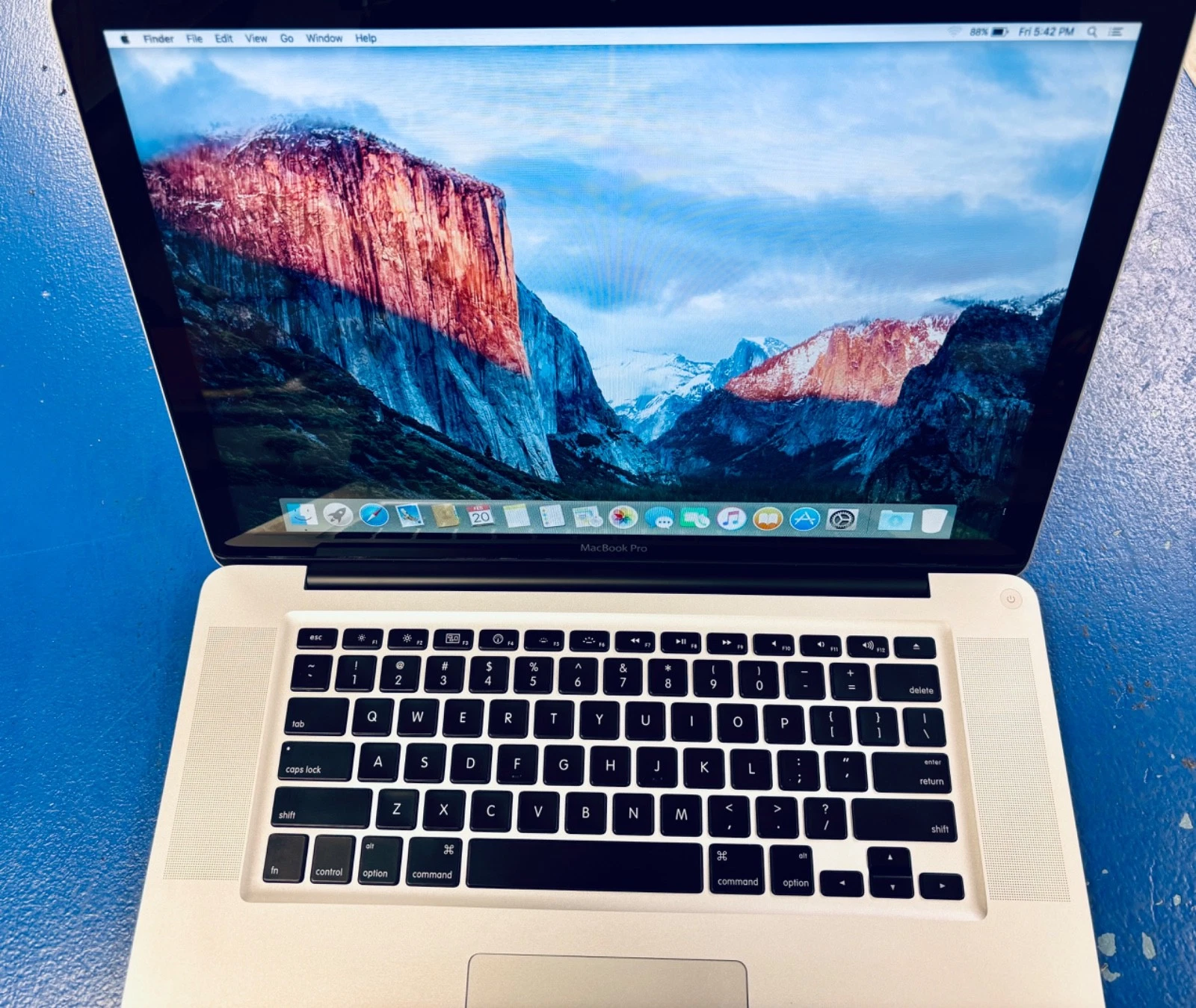
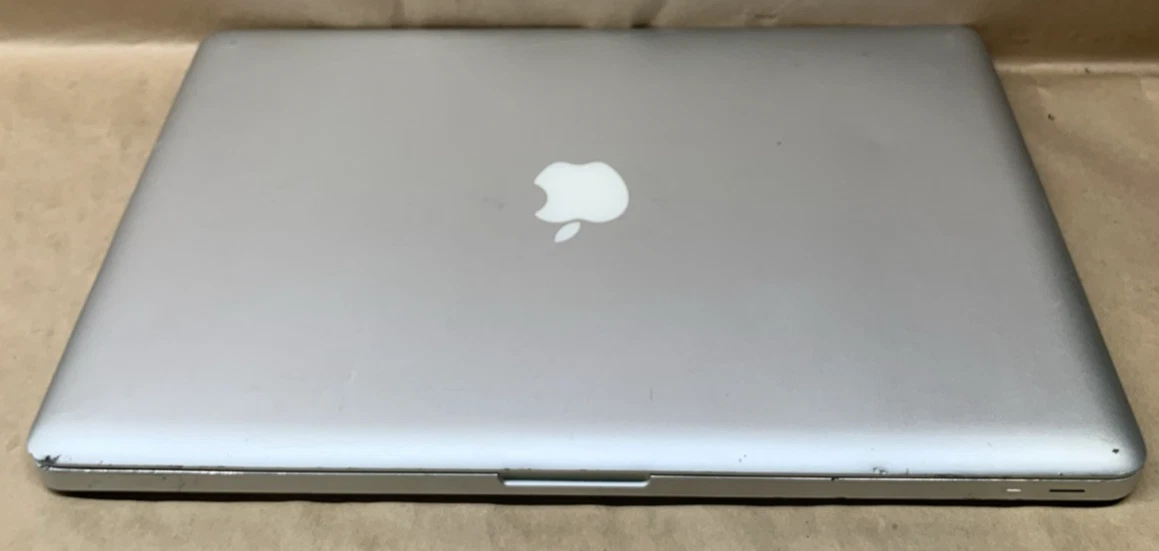
MacBook 2009
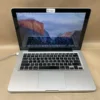
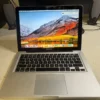
35.000 .د.ب
If you still own a 2009 MacBook or MacBook Pro, don’t replace it yet! With the right upgrades, these machines can still perform smoothly for office work, browsing, accounting software, and student use.
These is upgrade service by BrillMindz ,Not for sale .
Visit our service center in Manama or contact
BrillMindz IT Solutions & Sales WLL by Whatsapp
to discuss your upgrade path today.This is upgrade service not for Sale.

Description
MacBook 2009 Upgrade Guide – SSD, RAM & macOS Upgrade
By BrillMindz IT Solutions & Sales WLL
🚀 1️⃣ SSD Upgrade – Biggest Performance Boost
Replacing the old mechanical hard drive with an SSD makes the MacBook 3–5x faster.
✅ Benefits of SSD Upgrade
🟢 Faster boot time (15–30 seconds)
🟢 Applications open instantly
🟢 Smooth browsing experience
🟢 No hanging or freezing
🟢 Silent operation
🟢 Lower heat & power consumption
✅ SSD Compatibility
🟢 2.5″ SATA SSD
🟢 SATA II (3Gb/s) interface
🟢 Supports SATA III SSD (runs at SATA II speed)
🟢 7mm thickness recommended
✅ Recommended Storage Sizes
🟢 240GB / 256GB – Basic use
🟢 480GB / 500GB – Recommended
🟢 1TB – Heavy usage
At BrillMindz, we provide professional SSD installation with data backup support.
MacBook Model |
Highest Official OS |
MacBook (Late 2009) |
macOS 10.13 High Sierra |
MacBook Pro (Mid 2009) |
OS X 10.11 El Capitan |
MacBook Air (Mid 2009) |
OS X 10.11 El Capitan |
MacBook (Early/Mid 2009) |
OS X 10.11 El Capitan |
Reviews (3)
Be the first to review “MacBook 2009”
Related products
Sale!
MacBook Retina 2016 13-inch
Original price was: 40.000 .د.ب.35.000 .د.بCurrent price is: 35.000 .د.ب.
Sale!
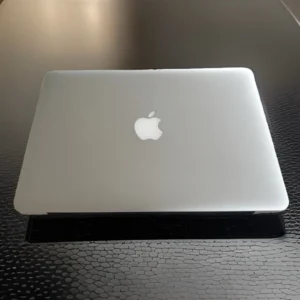
MacBook Retina 2014 13
Original price was: 40.000 .د.ب.35.000 .د.بCurrent price is: 35.000 .د.ب.
Sale!
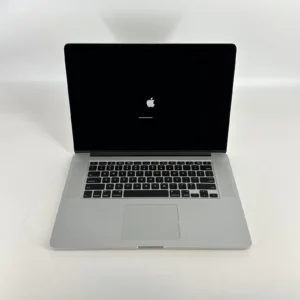
MacBook 2013 Retina 13
Original price was: 40.000 .د.ب.35.000 .د.بCurrent price is: 35.000 .د.ب.
Sale!
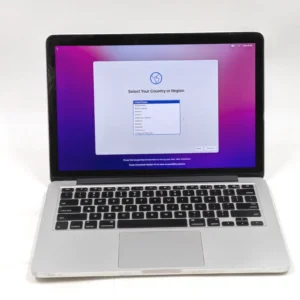
MacBook Retina 2015 13-inch
Original price was: 40.000 .د.ب.35.000 .د.بCurrent price is: 35.000 .د.ب.
Sale!
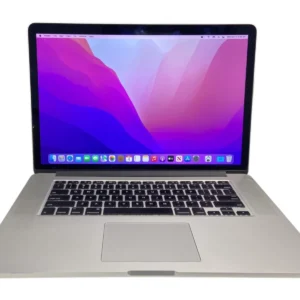
MacBook Retina 2015 15-inch
Original price was: 40.000 .د.ب.35.000 .د.بCurrent price is: 35.000 .د.ب.
Sale!
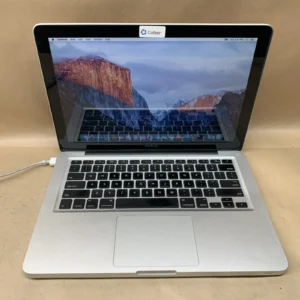
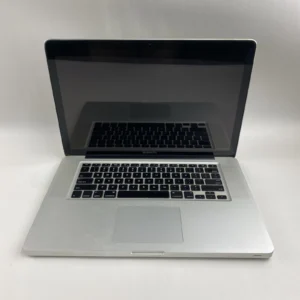
Original price was: 25.000 .د.ب.20.000 .د.بCurrent price is: 20.000 .د.ب.
Sale!
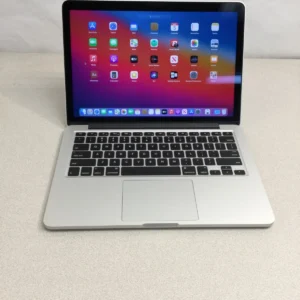
MacBook 2013 Retina 13
Original price was: 40.000 .د.ب.35.000 .د.بCurrent price is: 35.000 .د.ب.
Sale!
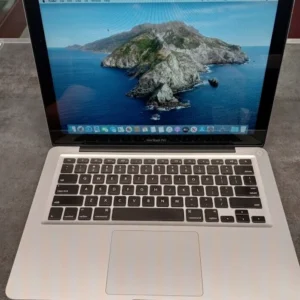
MacBook 2012
Original price was: 45.000 .د.ب.40.000 .د.بCurrent price is: 40.000 .د.ب.
3 reviews for MacBook 2009
There are no reviews yet.