

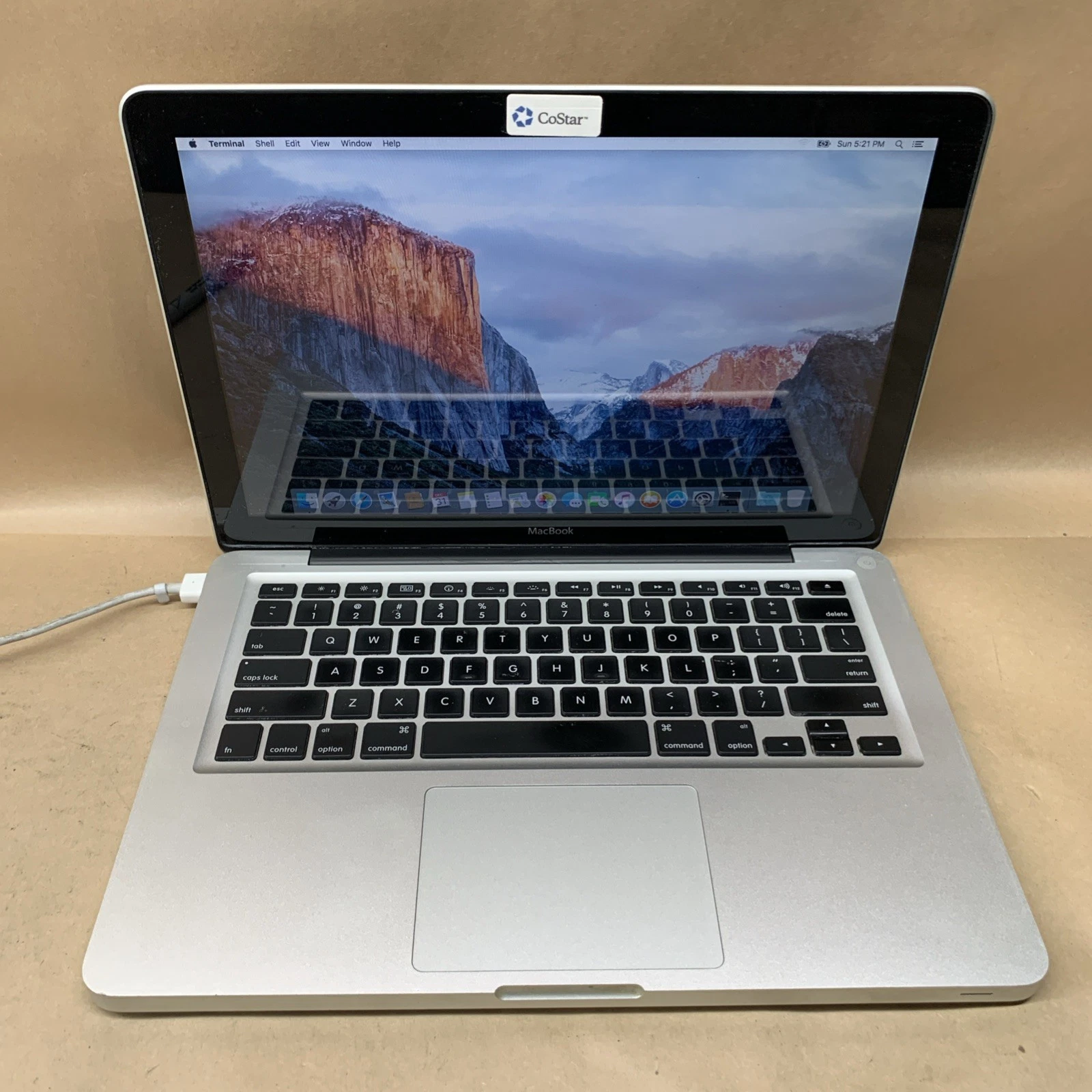
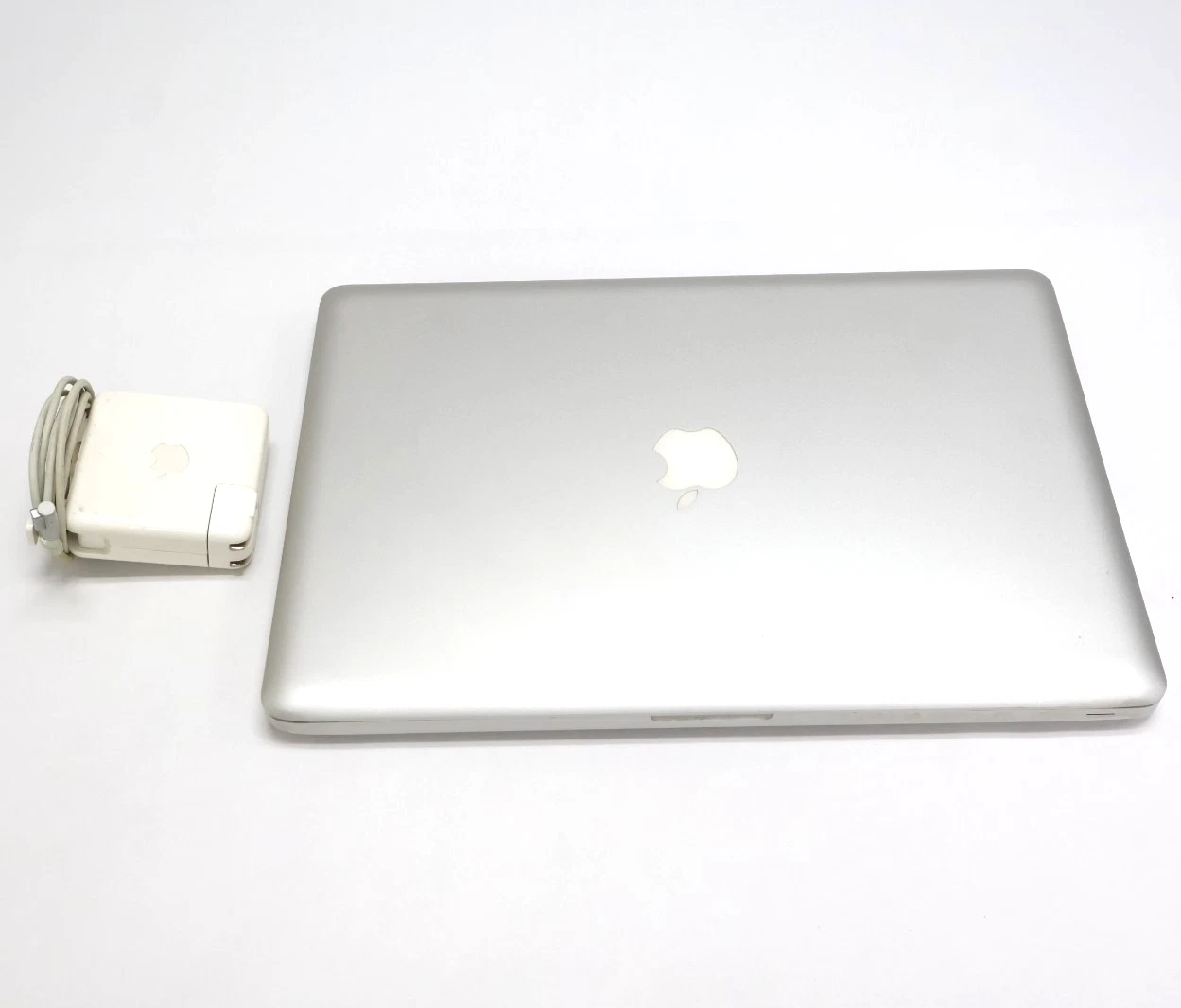
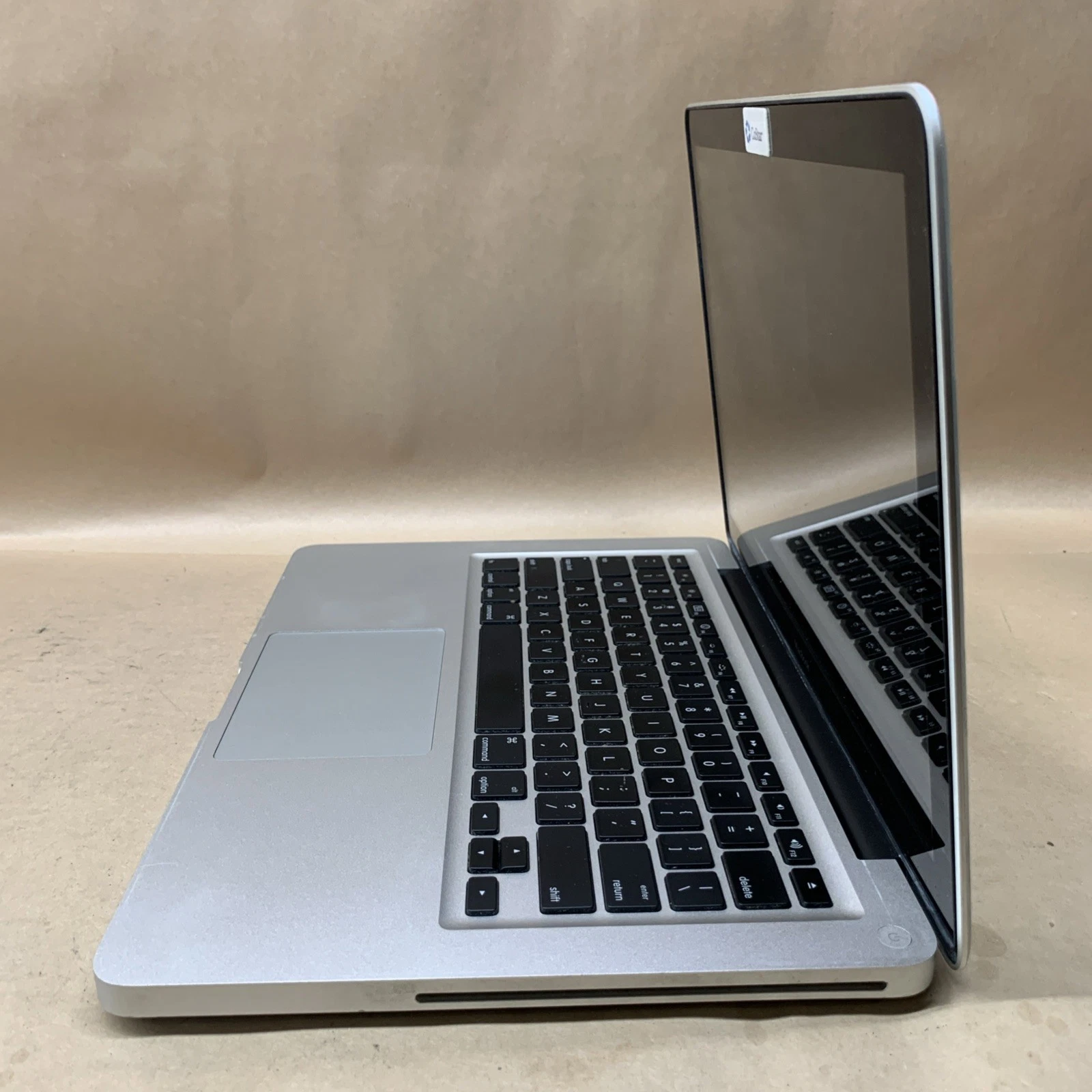
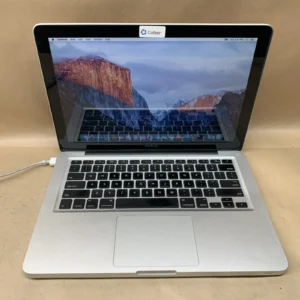
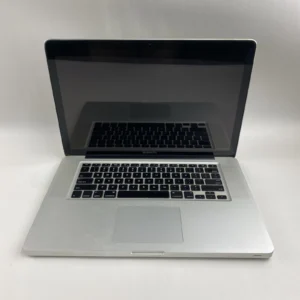
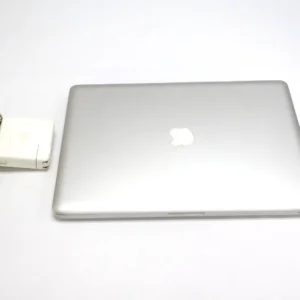
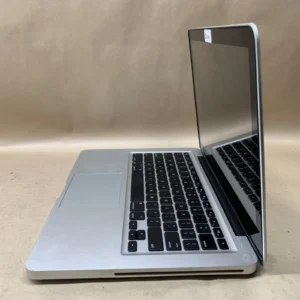
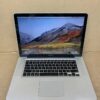
MacBook 2008

29.000 .د.ب
MacBook5,1 Upgrade Guide – SSD, RAM & macOS Upgrade
If you own a MacBook5,1 (13-inch Late 2008 Aluminum Unibody), you can significantly improve its performance with simple upgrades. Even though this is an older model,
with the right SSD, RAM, and OS setup, it can still be useful for browsing, office work, and light tasks.
Visit our service center in Manama or contact
BrillMindz IT Solutions & Sales WLL by Whatsapp
to discuss your upgrade path today.This is upgrade service not for Sale.

MacBook Late 2008 “13 upgrade Service
BrillMindz Upgrade these Legacy Mac with fully functional.
The MacBook5,1 (Late 2008 Aluminum Unibody) is still a solid machine for basic tasks when upgraded properly. With an SSD, maximum RAM,
and the best supported macOS, you can significantly improve performance and extend its life.
Below is a complete upgrade guide for your system.
-
💾 ✅ SSD Upgrade Guide
-
Upgrading to an SSD is the biggest performance improvement you can make.
-
🟢 Why Upgrade to SSD?
-
🟢 Faster boot time (30–40 seconds)
🟢 Applications open instantly
🟢 No hard drive noise
🟢 Improved overall responsiveness
🟢 Lower heat generation
-
🟢 SSD Compatibility
-
🟢 2.5-inch SATA SSD
🟢 SATA II (3Gb/s) interface
🟢 Supports SATA III SSD (will run at SATA II speed)
🟢 7mm thickness recommended
-
🟢 Recommended Capacity
-
🟢 240GB / 256GB – Basic usage
🟢 480GB / 512GB – Recommended
🟢 1TB – Maximum practical upgrade
-
🧠 ✅ RAM Upgrade Guide
-
🟢 Official RAM Support
-
🟢 4GB (2×4GB)
-
🖥️ ✅ macOS Upgrade Guide
-
🟢 Highest Official macOS
-
🟢 macOS El Capitan (10.11.6)
This is the last officially supported macOS version.
-
🖥️ ✅ Microsoft 2016 Office,Adobe CS6,Chrome etc
This is the only 13-inch MacBook ever made with an aluminum unibody that wasn’t labeled as a “Pro.
EMC Number: 2254
Model Identifier: MacBook5,1
Model Number: A1278
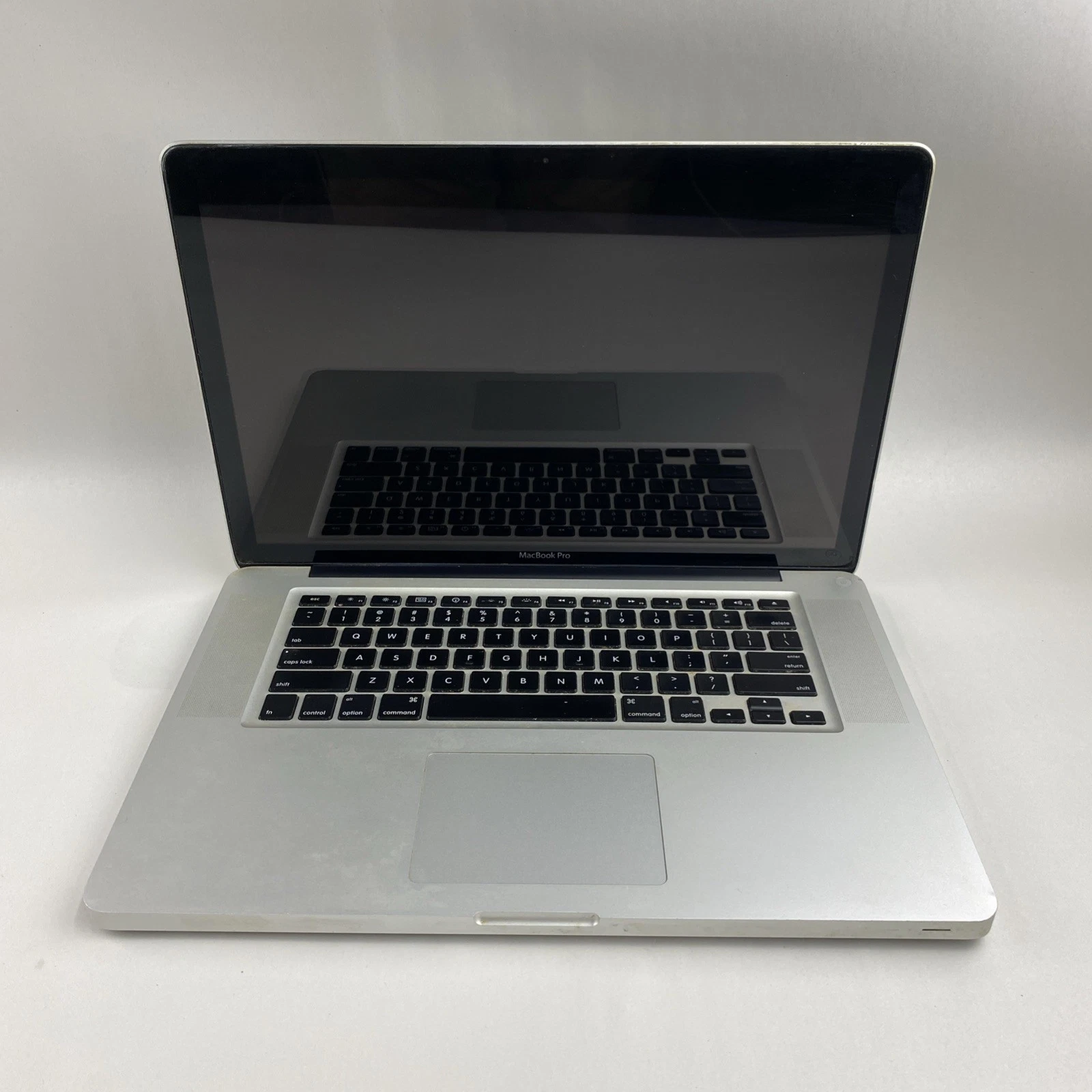
2. 15-inch MacBook Pro (Unibody, Late 2008)
This was the first 15-inch model to feature the “Unibody” construction.
EMC Number: 2255
Model Identifier: MacBookPro5,1
Model Number: A1286
Be the first to review “MacBook 2008”
Related products
Sale!
MacBook 2013 Retina 13
Original price was: 40.000 .د.ب.35.000 .د.بCurrent price is: 35.000 .د.ب.
Sale!
MacBook Retina 2016 13-inch
Original price was: 40.000 .د.ب.35.000 .د.بCurrent price is: 35.000 .د.ب.
Sale!
MacBook Retina 2015 13-inch
Original price was: 40.000 .د.ب.35.000 .د.بCurrent price is: 35.000 .د.ب.
MacBook 2009
35.000 .د.ب
Sale!
MacBook Retina 2015 15-inch
Original price was: 40.000 .د.ب.35.000 .د.بCurrent price is: 35.000 .د.ب.
Sale!
MacBook 2012
Original price was: 40.000 .د.ب.35.000 .د.بCurrent price is: 35.000 .د.ب.
Sale!
MacBook 2011
Original price was: 40.000 .د.ب.35.000 .د.بCurrent price is: 35.000 .د.ب.
Sale!
MacBook Retina 2014 15-inch
Original price was: 40.000 .د.ب.35.000 .د.بCurrent price is: 35.000 .د.ب.
4 reviews for MacBook 2008
There are no reviews yet.